Pendant Control Station Wiring: Cores, Common, Earth
Cores follow functions, not buttons. The sum that sizes the cable, why the stop must not share the button common, and five pre-power checks.
Read More

Most crane remote control inductions teach operation and skip the one skill that matters: stopping a load that is already moving when the link, the power or the operator’s attention fails. An operator who can run every motion has demonstrated less than half of what the equipment requires.
The gap is not knowledge of buttons. It is the five physical actions that only come up in an abnormal event — confirming the pairing, restarting after a power loss, using the emergency stop, verifying failsafe behaviour, and handing over to the next shift. This guide sets out a twenty-minute induction that covers them, how to assess competence rather than attendance, and which part of the problem training cannot solve.
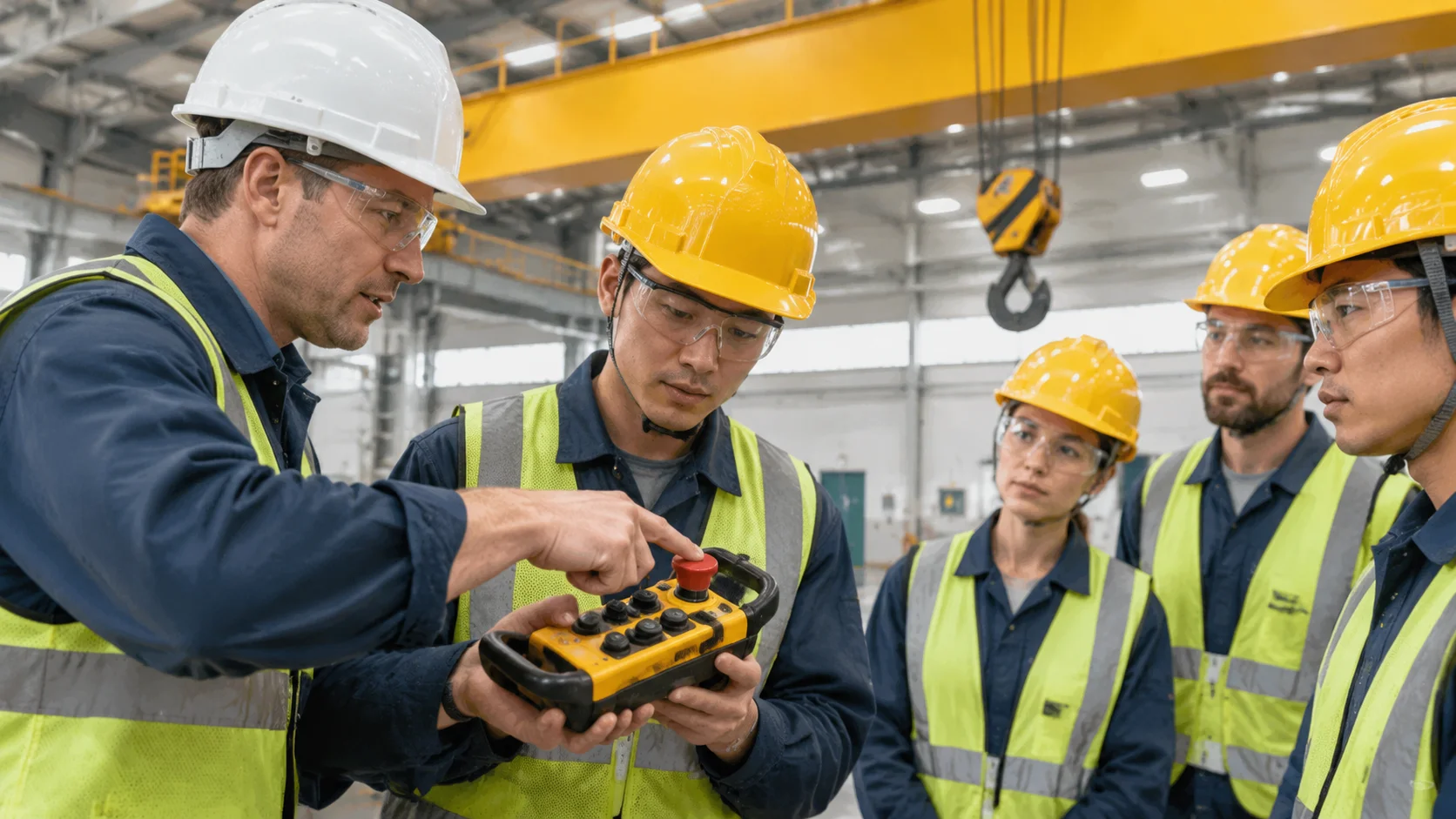
Operating a remote is a few repeated motions, and almost anyone masters them in a shift. Stopping a load under abnormal conditions is a different skill: a decision under pressure and an action that is never part of normal work. An operator who has never deliberately dropped a link will watch, not act.
The distinction matters commercially too. Most radio control incidents are not a button pressed in error; they are a correct response taken too late, because the operator did not know which response their equipment has. Failsafe behaviour is a design choice, and nobody can plan for an unknown one.
Training that stops at operation creates a maintenance problem as well. Operators who cannot read a low-battery indication or a status LED report every minor symptom as a fault, and maintenance spends the week resetting units instead of repairing them.
These are the observable skills. Each one is a physical task, not a piece of knowledge, and each should be demonstrated on the actual crane before the operator is signed off.
The pairing item is the one most often assumed rather than taught, because it happens once at commissioning and never again in training. On a site with more than one crane it is the item that prevents the wrong crane moving, and the procedure is set out in how to pair a crane remote control.
Twenty minutes is enough if it is spent on the crane rather than in a room. The structure below keeps it practical and leaves a record.
Start with five minutes on the transmitter itself: battery, charge indication, the holster or belt, and the physical check that the housing, keypad and antenna are intact. This is the same set of checks that belongs in the shift routine, covered in daily checks and handover for crane remote controls, so it doubles as the routine the operator will use.
Spend the next ten minutes on the five actions above, on the crane, with the operator performing each one. Do not demonstrate all five and then ask for a repeat. Demonstrate one, have it performed, then move on, because the retention difference is large and the time cost is the same.
Use the last five minutes for the abnormal cases: what to do when the transmitter does not respond at all, when it responds intermittently, and when the receiver indicates a fault. The decision tree here is not complicated, and the failure patterns are set out in crane remote control not working. The point of the five minutes is that the operator stops improvising and calls for the person who can fix it.
Some failures look like training problems and are not. If an operator regularly loses the link in one bay, the antenna position is wrong, and no amount of instruction will change it. If two shifts report that a button needs pressing twice, the contact is tarnished and the transmitter needs service. If the crane does not accept a command until all controls are centred, that is a start-up condition, and telling operators to “press it again” hides the actual behaviour.
There is a specific case where training is actively the wrong response: an equipment design that requires an operator to compensate for a defect. Holding a transmitter at a particular angle, standing in a particular spot, or pressing a button twice are all compensations, and a training programme that formalises them converts a fault into a procedure. Once it is a procedure, nobody fixes it.
The test is simple. If the workaround could be written into a manual, it belongs in the manual. If it only exists because the equipment is misbehaving, it belongs in a maintenance request. Hardware helps where training cannot: a guarded, heavy duty pedal such as the YDT1-18 heavy duty foot switch removes a class of accidental operation that no induction script will.
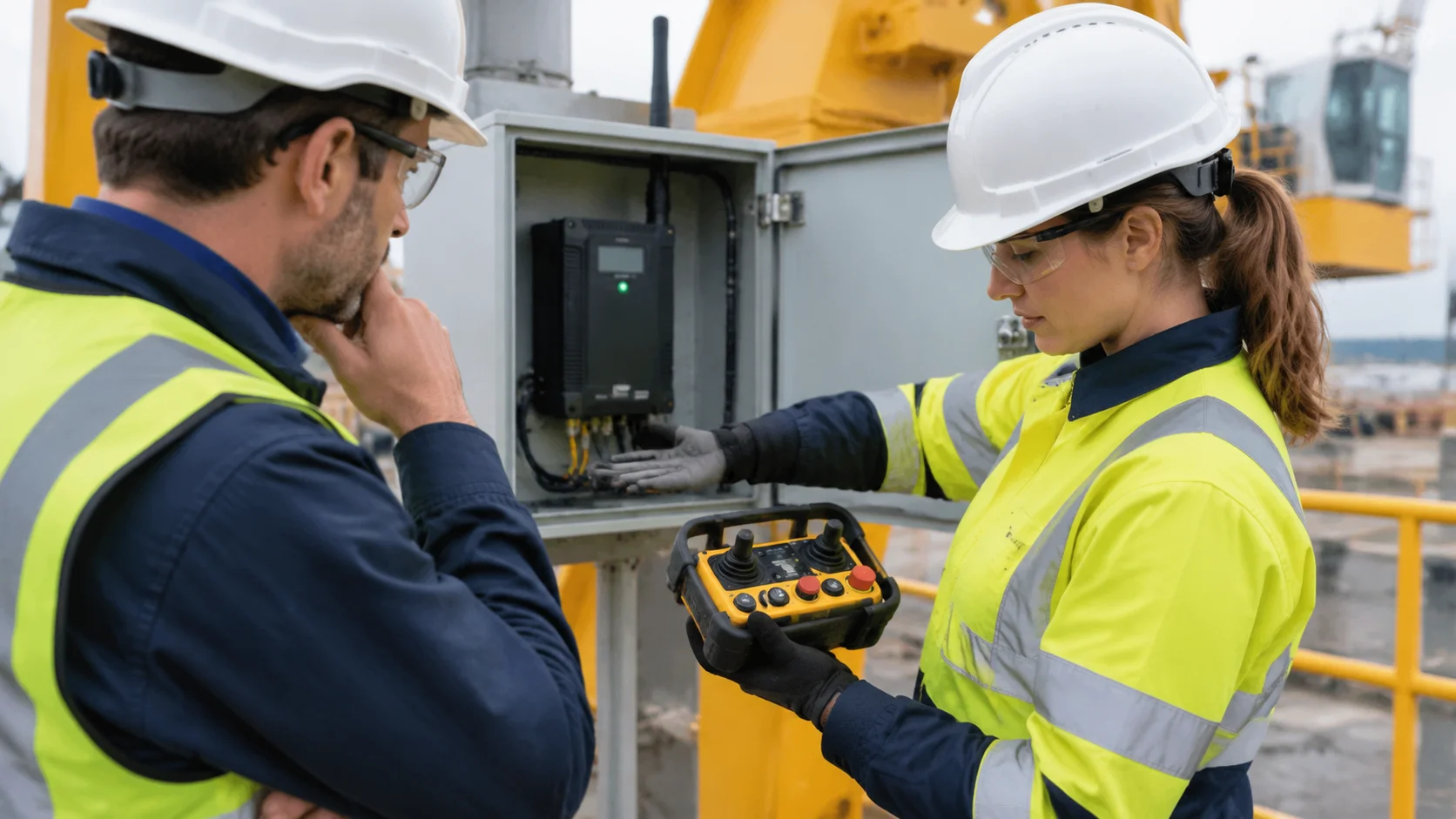
A signed attendance sheet proves that someone was in a room. Competence has to be observed, and the observation has to be specific enough that two assessors would reach the same conclusion. The matrix below is a workable basis.
| Skill | Observable behaviour | Pass criterion |
|---|---|---|
| Pairing check | Switches on and confirms the intended receiver responds | Correct receiver moves, no other crane in the bay responds |
| Power-loss restart | Restores motion after a simulated supply interruption | Completes the start-up sequence without prompting |
| Emergency stop | Operates the E-stop and returns the unit to service | All motion stops, and the reset path is completed unaided |
| Failsafe recognition | Describes and demonstrates what happens on link loss | Identifies the equipment behaviour and the correct response |
| Handover | Completes the shift record and returns the unit to charge | Record is complete and the unit is not left on the machine |
| Fault escalation | Recognises a fault condition and stops work | Calls for maintenance instead of improvising a workaround |
Two assessors should be able to use that table and agree, which is the whole purpose of writing behaviours rather than knowledge. Record the date, the crane, and the assessor, and keep it with the equipment record rather than in a personnel file, because the skill is specific to one crane and one transmitter.
For a system-level view of what the equipment is expected to do in a failure, the behaviour itself is set out in crane remote control signal loss and failsafe behaviour. Training should describe exactly that behaviour, not a generic version of it.
An annual refresher is the usual answer and not the most effective one. What changes behaviour is the handover, because it happens daily and a small symptom is still small there. Build it into the shift routine, not the training calendar.
The most useful refresher content is what has changed on site: a new crane, a new layout, a repaired antenna, a different failsafe setting. Those invalidate existing competence and are rarely announced, so a one-page toolbox update beats repeating the induction.
For a fleet with several cranes, keeping one transmitter platform across the site makes all of this cheaper. A consistent button layout means a refresher transfers between cranes, and an operator who moves between bays does not have to relearn a keypad. The eight-button single and dual speed system is a common choice for that reason, and the wider range is on the industrial crane remote control system page.
If you are writing an induction for a specific crane, send the number of motions, the failsafe setting and the start-up condition and we will confirm what the equipment actually does, so the training describes the machine rather than an assumption. Send the crane details directly and we will answer against them.
Twenty minutes on the crane is enough for the five core actions if it is structured and observed. A half-day classroom session on the same content usually produces less retention, because none of it is practised.
Yes, but not for operation. Experience transfers between transmitters only when the layout matches. What never transfers is failsafe behaviour and the start-up condition, which differ between models and matter most.
Only if the site has decided that and written the procedure down. Pairing changes which crane responds, so it is a controlled action on most sites. Training should at least teach operators to confirm pairing, even where they cannot perform it.
Failsafe behaviour. Operators are taught how to move a load and rarely how the equipment behaves when the link drops, so the first time they see it is during an event. One deliberate demonstration fixes that.
It reduces the two avoidable causes: transmitters left on the machine overnight, and cold batteries charged in unheated stores. Both are habits, and both are cheaper to change than to repair.