Pendant Control Station Wiring: Cores, Common, Earth
Cores follow functions, not buttons. The sum that sizes the cable, why the stop must not share the button common, and five pre-power checks.
Read More

When a supplier quotes a crane remote control response time, the number they give you is almost never the number that decides how far your crane travels before it stops. A typical figure such as 30 ms describes a bench measurement: a button press, a radio link and a receiver output closing. The crane adds a relay, a contactor, a brake and the inertia of a moving load on top of that. Buyers who compare 20 ms units against 40 ms units as if the difference were the whole story are optimising the smallest part of the budget.
This is not an argument that response time does not matter. It matters a great deal for inching, for load positioning and for any motion where two cranes have to work together. It just has to be understood as one line in a chain, and specified as a total rather than as a feature.
Response time is the delay between the operator’s input and the receiver’s output changing state. Stopping time is the delay between the same input and the load actually being held still. The second number includes everything in the first, plus the electromechanical parts of the crane itself, and it is the one written into risk assessments and travel-limit calculations. A remote control can only influence its own two links in that chain.
| Stage | Typical order of magnitude | Who controls it |
|---|---|---|
| Transmitter scan and encoding | A few milliseconds | Remote control supplier |
| Radio transmission and retries | A few milliseconds, longer at the edge of range | Remote control supplier, plus the environment |
| Receiver decode and output | A few milliseconds to about 15 ms depending on output type | Remote control supplier |
| Output relay closure | 5 to 20 ms | Receiver hardware |
| Contactor pick-up or drop-out | 20 to 60 ms, more on large contactors | Panel builder |
| Brake set or drive ramp | 50 ms and upwards | Crane builder or drive settings |
Read down that column and the conclusion is obvious: the radio link is usually the smallest contributor. So why do buyers focus on it? Because it is the only stage a remote control supplier publishes a number for.
It helps to name the stages rather than add them up once. Each one fails in a different way and each one has a different remedy.
The comparison of relay and solid-state receiver outputs covers the third stage in detail, including the leakage and contact-life trade-offs that matter more than the millisecond figure in most plants.
A datasheet number has to be reproducible, so it is measured in conditions nobody works in: a transmitter and receiver a metre apart, an output driving a resistive load, a single packet in flight, and a fresh battery. Change any of those and it moves.
The practical consequence is that two suppliers can both quote 25 ms and behave differently on your crane. One may be quoting input-to-relay, the other input-to-radio-acknowledgement. Ask what the measurement starts and ends at before you use the figure to compare anything. If the answer is vague, treat the number as marketing.
Turning milliseconds into millimetres makes the specification concrete. The arithmetic is simple and worth doing once per motion.
A bridge travelling at 40 m per minute covers 0.67 m per second. With a total delay of 300 ms from button release to the brake taking hold, the bridge travels about 200 mm past the point where the operator stopped pressing. At 80 m per minute the same delay costs 400 mm. On a hoist moving at 8 m per minute the cost is only 40 mm, which is why travel motions punish latency far more than lifting motions do.
That calculation is also the answer to the most common question buyers ask: is a faster remote control worth paying for? If the crane creeps at low speed and the operator has good sight of the load, no. If the trolley is fast, the bay is congested and the operator is positioning to within 50 mm, then yes, and the cheapest way to buy those millimetres is often a faster contactor or a drive ramp rather than a different radio. Sway is the other half of that story, and what anti-sway control can actually do from the handset is a shorter list than most buyers expect.
Four applications justify looking at the response figure seriously. Everywhere else it is a secondary consideration behind outputs, voltage and protection.
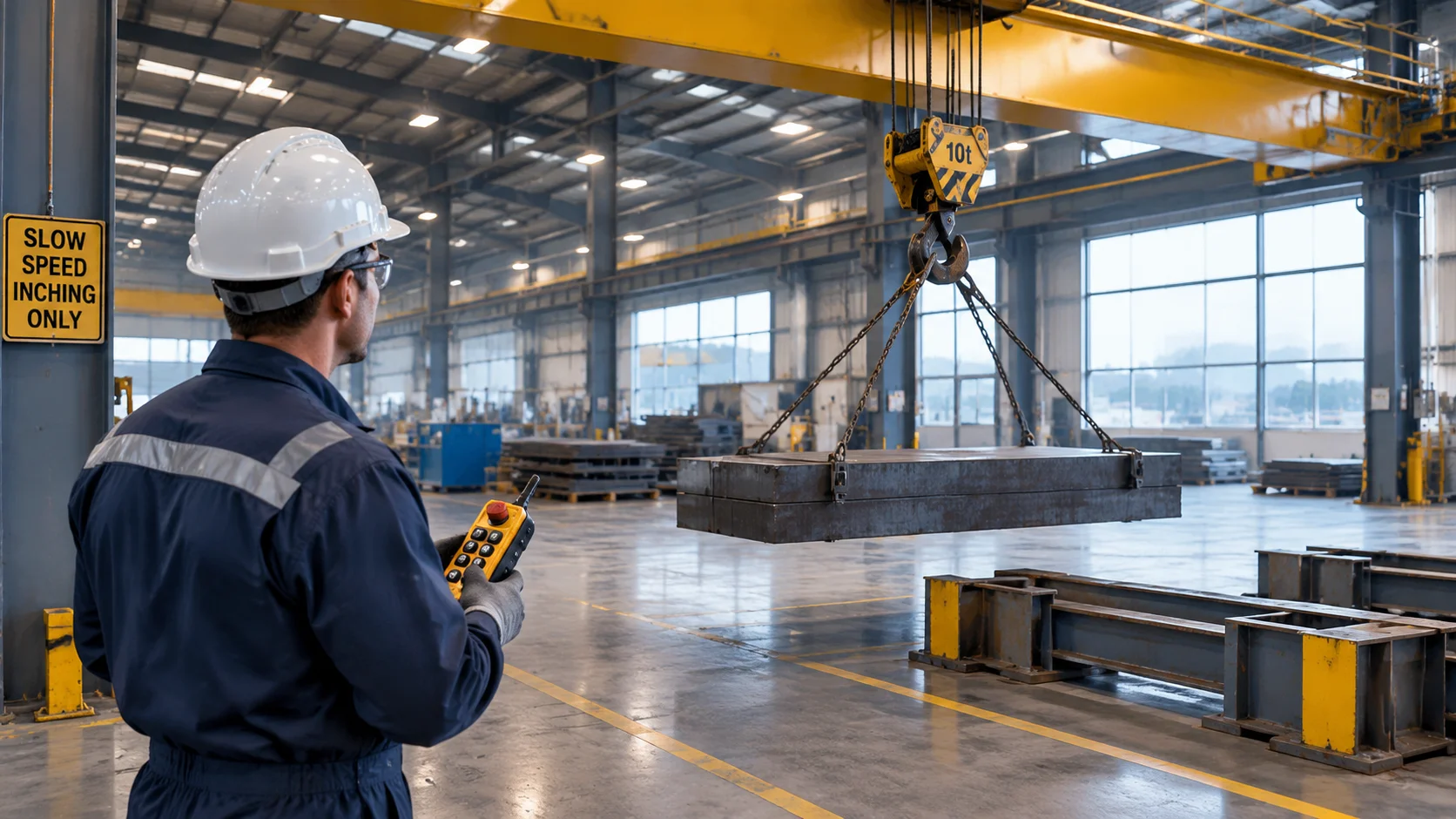
| Application | Why latency matters | What to ask for |
|---|---|---|
| Inching and final positioning | Operator pulses the button; delay blurs the pulse into a longer movement | Solid-state or fast relay outputs, and a receiver that does not add a hold-on delay |
| Tandem or synchronised lifts | Two cranes driven by one operator; unequal delay tilts the load | Matched units, both with the same output type and the same receiver firmware |
| High-speed long travel | Stopping distance grows with speed; delay is a safety margin | Shorter total delay, plus a panel review of contactor and brake times |
| Loads near people | Reaction time of the operator dominates, not the radio | Deadman behaviour and a tested stop path, not a faster link |
Note the fourth row. The operator’s reaction time is measured in hundreds of milliseconds and swamps the radio contribution. What matters there is that the link fails safe — that a lost signal drops the outputs rather than holding the last command. That behaviour is covered in the article on what happens during a power failure, and it is a more important purchase criterion than any millisecond figure.
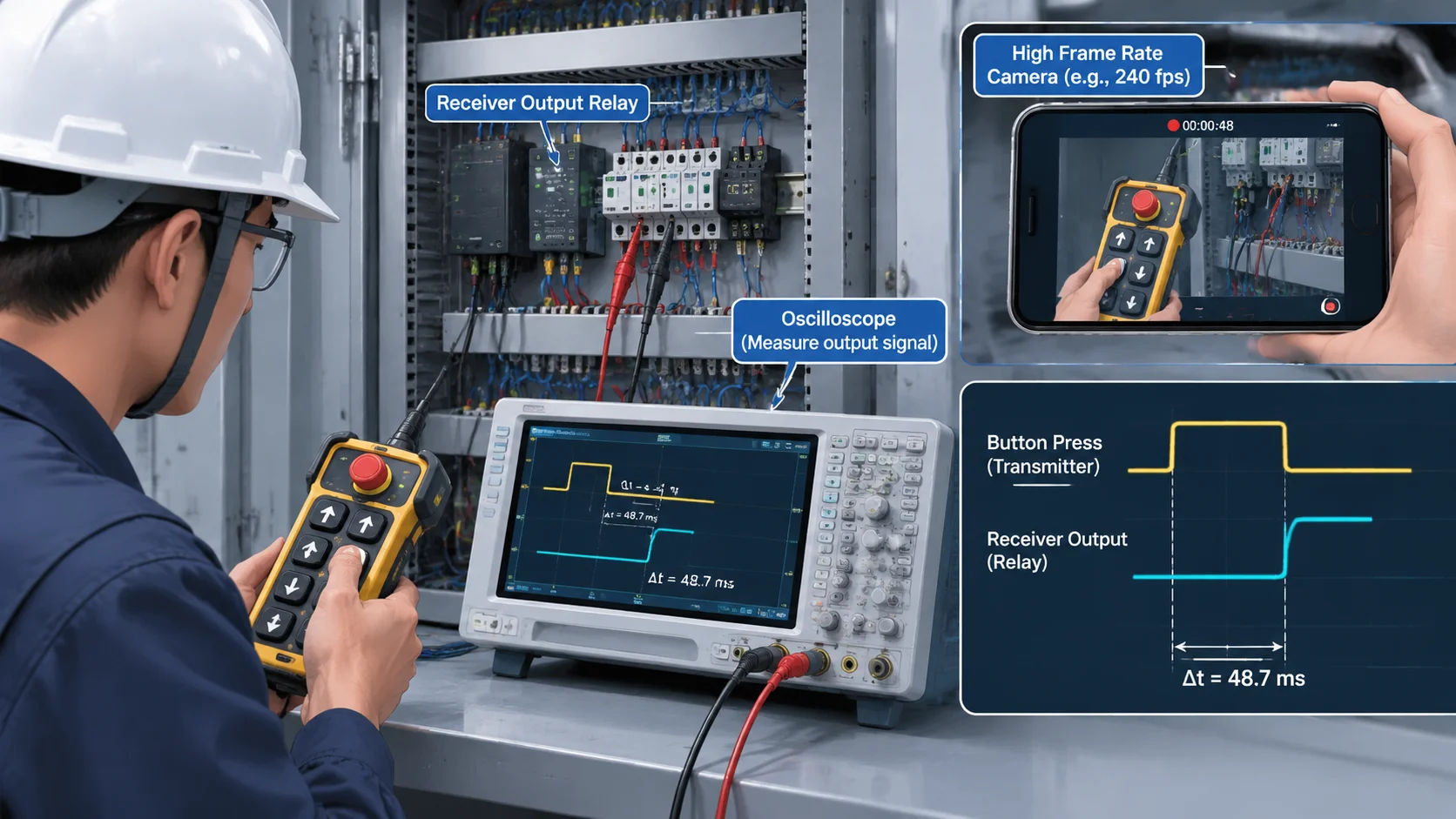
You do not need a laboratory. A phone that records at 240 frames per second plus a lamp wired to the output is enough to get within about 5 ms, which is well inside the tolerance that matters on a real machine.
Repeat the test with the operator standing where they normally work, not next to the receiver. If the number at working distance is much worse than the number at one metre, your problem is the radio path, not the electronics, and the operating distance guide explains which parts of the path to change first. For a unit that has to hit a specific total, the F24-12S / 12D receiver and the wider industrial crane remote control systems range are specified by output type for exactly this reason. Send us your motion list and cycle times through the contact page and we will work out the delay budget with you.
Specify a total rather than a feature. Ask for the delay from button to contactor coil energised, and set the limit from the stopping distance your operation tolerates. For most workshop cranes a total under 150 ms is comfortable; fast travel and precision positioning need it shorter.
No. A very fast link paired with a slow output relay, or with a receiver that drops out at the edge of range, performs worse than a moderate link with clean output behaviour. Consistency under real conditions matters more than the bench figure.
Retries at the edge of radio coverage. The receiver waits for a valid packet before acting, so an obstructed path adds delay before the command lands. Mounting the antenna clear of steel usually fixes it; a repeater is the fallback.
Sometimes. Faster contactors, a shorter control circuit, removing unnecessary hold-on timers in the panel, and moving the receiver antenna all shorten the total. The radio link itself cannot be improved beyond its design.
It switches faster, but the saving is only a few milliseconds against a contactor that takes tens of milliseconds. Choose it for service life and silent switching first, and for speed only when the rest of the chain is already tight.